Apple ID, TikTok & Telegram Verification: US SIM Numbers and Code Delivery
On this page
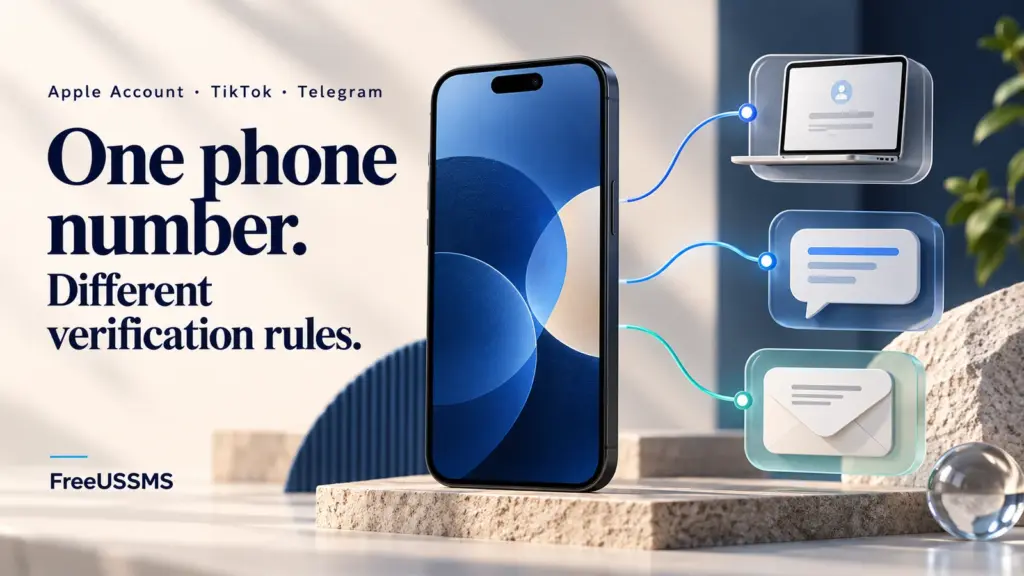
FreeUSSMS provides real US mobile numbers backed by physical SIM cards. That describes our receiving lines, not a shared verification policy across Apple, TikTok, and Telegram. For a missing code, first check the service’s on-screen instructions, the requested delivery channel, and whether you control the number.
This guide compares how Apple, TikTok, and Telegram handle US phone verification, what separates a physical wireless SIM card from a VoIP number, and how to choose between a public inbox, a private SIM rental, and your own permanent carrier line. FreeUSSMS is independent of Apple, TikTok, and Telegram; follow each platform’s official terms.
Start with the verification channel on your screen
- Apple: check your trusted device or trusted phone number and the verification options described by Apple.
- TikTok: check whether the login or recovery screen is using your phone number or email. Use TikTok’s phone and email settings guide.
- Telegram: if the screen says the code was sent to another device, check a Telegram session you control; an in-app code is not a carrier SMS. See the delivery-channel explanation below.
How Apple ID, TikTok, and Telegram evaluate +1 phone numbers
Verification channels and recovery steps differ between these platforms. Check the method shown for your request:
| Platform | Primary Role of the Phone Number | What to Check When a Code Is Missing |
|---|---|---|
| Apple Account (Apple ID) | Trusted two-factor authentication (2FA) number for iCloud and device sign-in (Apple Support). | Check a trusted Apple device or the trusted phone number and follow Apple’s displayed verification options. A missing code alone does not establish a number-type rejection or reuse limit. |
| TikTok | Account login and password recovery (TikTok Help Center). | Check whether the current login or recovery flow uses your phone number or email. If TikTok shows a retry timer, follow that timer rather than assuming one fixed interval. |
| Telegram | Primary account identifier—every Telegram account is bound to one phone number (Telegram FAQ). | Telegram may send the login code through an existing Telegram session rather than by SMS. Check the method shown on your login screen and a session you control. |
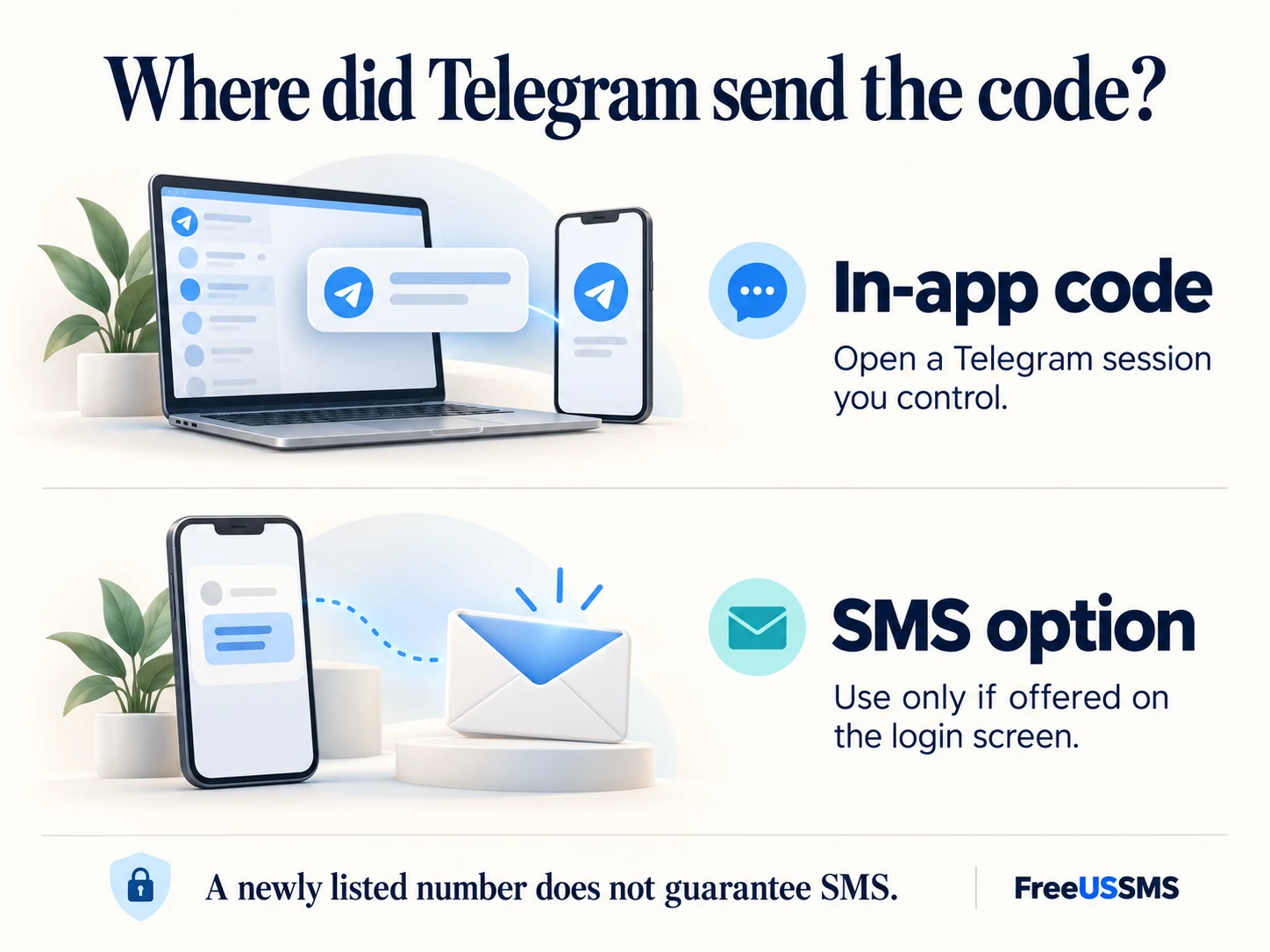
Why Telegram says “We’ve sent the code to the Telegram app on your other device”
One of the most common questions on public SMS websites is why Telegram displays “Code sent via Telegram” instead of sending an SMS text message. Telegram’s FAQ says it may send a login code through Telegram if you recently used an app on another device. Follow the delivery method shown for your own request; an in-app code is not a carrier SMS.
- Why refreshing a public SMS inbox won’t show an in-app Telegram code: Our gateways only receive carrier SMS messages sent over the US cellular network—not internal messages inside someone else’s Telegram app.
- What to check next: Open a Telegram session you control for an in-app code. Choose the “Get code via SMS” option only if Telegram offers it on that screen. A newly listed US physical SIM number does not guarantee SMS delivery. To catch brand-new US SIM cards the second they are added to our catalog, join our Telegram new SIM drop channel.
Current US physical SIM activity snapshot
Every number listed on FreeUSSMS runs on a real US wireless SIM card. You can inspect recent 24-hour and 7-day public message volume below (data methodology):
| Active US Region & Area Code | Rotating Line Pool (Masked) | 24h Retained Texts | 7d Retained Texts | Permanent Directory Entry |
|---|---|---|---|---|
| Pennsylvania · 272 | +1 (272) 2••-•••• · Online SIM |
31 | 67 (7/7 d) | Pick live +1 SIM → |
| Kentucky · 502 | +1 (502) 3••-•••• · Online SIM |
28 | 65 (7/7 d) | Pick live +1 SIM → |
| Texas · 214 | +1 (214) 4••-•••• · Online SIM |
21 | 102 (7/7 d) | Pick live +1 SIM → |
| Ohio · 937 | +1 (937) 2••-•••• · Online SIM |
20 | 83 (6/7 d) | Pick live +1 SIM → |
If Apple ID says “This phone number cannot be used at this time”
This error alone does not establish a specific number-reuse cap or cooldown length. A genuine non-VoIP US mobile SIM describes the receiving line; it does not override Apple’s account requirements. Follow the verification or recovery options shown by Apple:
- If Apple displays a wait or recovery instruction, follow it before making another request. A public inbox does not reveal Apple’s retry timer.
- If you only need a temporary isolated US SIM line that no other visitor can access during your test, use Private US Number Rentals (available for 1, 7, or 30 days). A rental changes inbox access, not Apple’s acceptance or retry rules. Compare public vs. rental isolation in our public inbox vs. private rental guide.
- For an Apple Account that holds purchases, iCloud photos, or device Activation Lock, never use a public or temporary number—use your own long-term phone number and keep an additional trusted phone number you can access in Apple Account settings.
Common questions
Does the US area code (+1) affect TikTok or Apple verification?
Any valid US geographic area code works the same way for domestic SMS delivery, provided you enter the 10-digit number accurately after selecting +1. See our US area code guide for details.
Updated Nov 4, 2026