Meta & Instagram Confirmation Code (39041 / 32665) Not Arriving? US SMS Fix
On this page
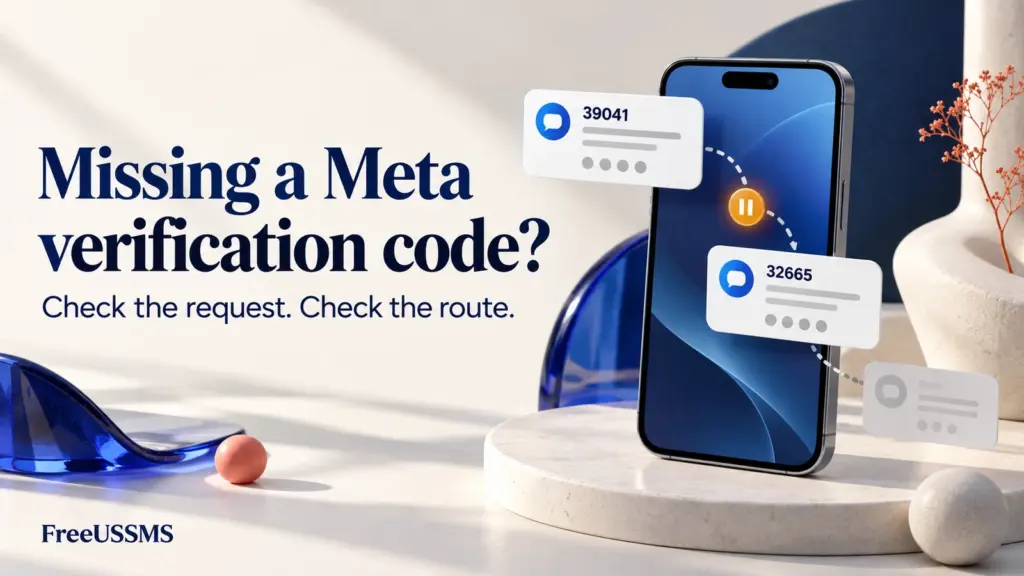
When you request a security or sign-up confirmation text from Instagram, Facebook, or Meta Accounts Center on a United States (+1) mobile number, the message rarely arrives from a normal 10-digit phone number. Instead, US wireless carriers deliver it from a 5-digit domestic short code—most commonly 39041, 32665, or 32099.
If your app says the confirmation code was sent but your inbox stays empty, understanding how US short-code routing works helps you quickly determine whether the block is on the carrier line, the phone number type, or the Meta request timer. FreeUSSMS is independent of Meta, Instagram, and Facebook; always follow Meta’s official security prompts.
Instagram or Facebook code missing? Start here
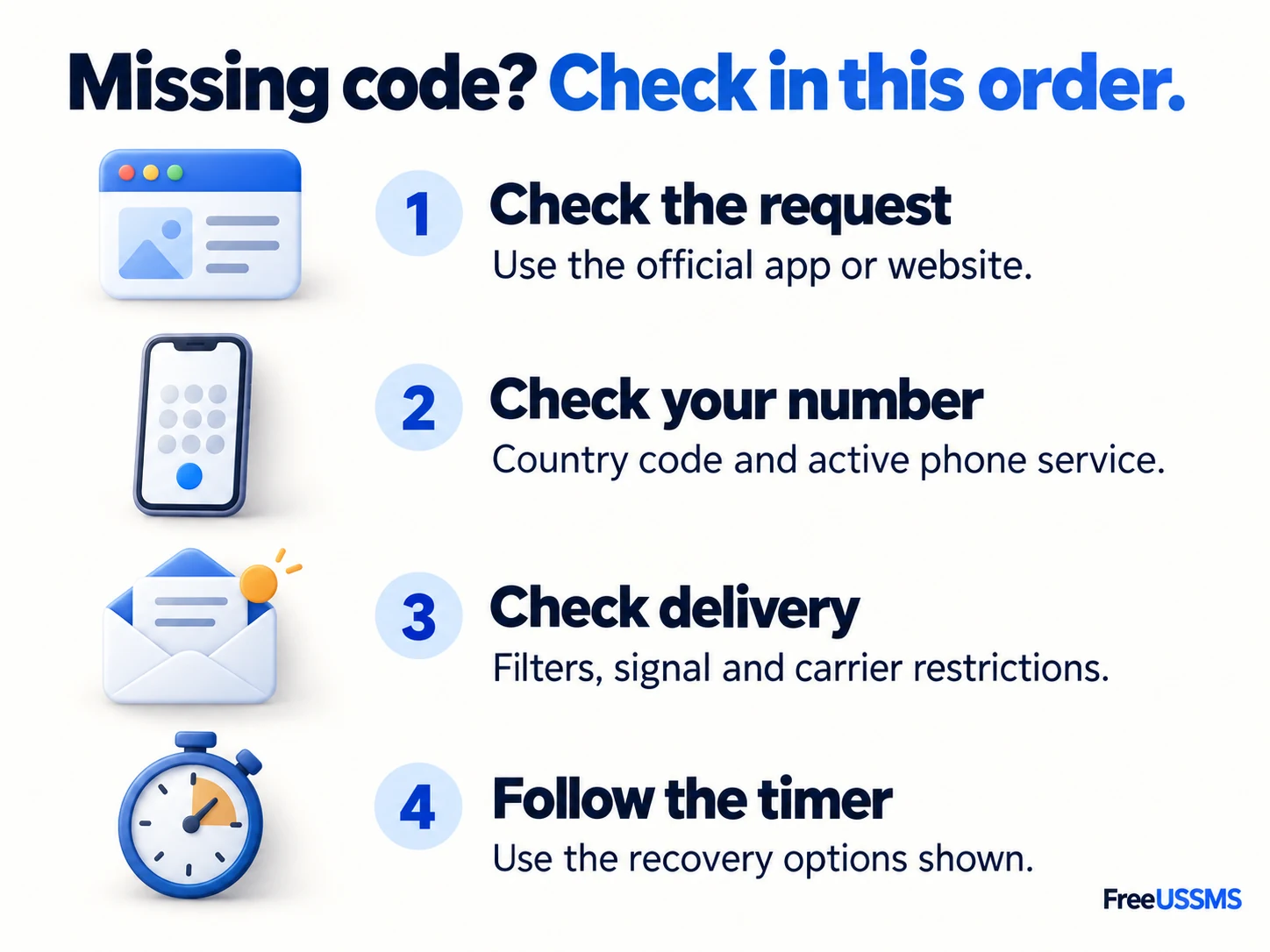
- Open the request in the official app or website. Confirm the receiving number and whether the screen selected SMS, email or another confirmation method.
- Use the retry time shown on that screen. Check for an error or account-recovery option before requesting another code.
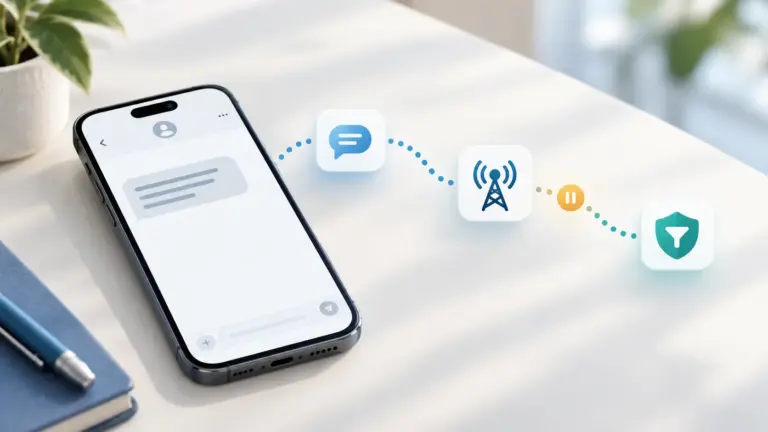
- Check the delivery path. On your own mobile line, check blocked messages and short-code settings. On FreeUSSMS, check the correct inbox and its connection status. Then follow the step-by-step checklist. The sender code alone does not authenticate a message.
What US short codes 39041, 32665, and 32099 mean
In the United States, high-volume application-to-person (A2P) verification texts use 5- or 6-digit numbers leased through the US Short Code Registry. Unlike standard 10-digit numbers, domestic short codes only route across participating US wireless carrier networks:
| Short Code | Typical Message Pattern Observed | Delivery Requirement on US (+1) Lines |
|---|---|---|
39041 / 32099 |
XXXXXX is your Meta confirmation code. or Instagram security prompts. |
Requires an active US wireless carrier line with domestic short-code reception enabled. |
32665 (FBOOK) |
Facebook login approvals, password reset codes, and Meta Accounts Center alerts. | Blocked on most non-fixed VoIP numbers and accounts that previously texted STOP to 32665. |
Meta’s official Help Center documentation notes that mobile carrier short-code blocks and out-of-sync resend requests are common reasons confirmation texts do not arrive. For a broader look at 5- and 6-digit carrier routing, see our guide on why US short code SMS fail to arrive.
Why a Meta 39041 or 32665 text fails to arrive
- VoIP and virtual number rejection: Short-code aggregators check the receiving number’s Operating Company Number (OCN) and line type. If a number is classified as non-fixed VoIP rather than a physical wireless SIM, the aggregator may drop the short-code message or the form will reject the number. Compare classifications in VoIP vs. Mobile Numbers for SMS Verification.
- Carrier-level short-code opt-out or billing block: On personal mobile plans (such as Verizon, T-Mobile, AT&T, or US Cellular), if someone previously replied
STOPto32665or39041, or if “Premium / Short Code SMS” is disabled on the carrier line, the carrier drops the incoming code. See our carrier short-code block fix guide. - More than one code request: If you have requested several codes, use the code for your current verification request. Follow the expiry and retry instructions shown by Instagram or Facebook rather than assuming every code has the same lifetime.
Recent SMS activity across our US physical SIM numbers
All numbers on FreeUSSMS are backed by physical US wireless SIM cards rather than VoIP lines. Below is our current aggregate activity snapshot (how these counts work):
| Active US Region & Area Code | Rotating Line Pool (Masked) | 24h Retained Texts | 7d Retained Texts | Permanent Directory Entry |
|---|---|---|---|---|
| Pennsylvania · 272 | +1 (272) 2••-•••• · Online SIM |
29 | 65 (7/7 d) | Pick live +1 SIM → |
| Kentucky · 502 | +1 (502) 3••-•••• · Online SIM |
28 | 65 (7/7 d) | Pick live +1 SIM → |
| Virginia · 434 | +1 (434) 3••-•••• · Online SIM |
21 | 57 (5/7 d) | Pick live +1 SIM → |
| Ohio · 937 | +1 (937) 2••-•••• · Online SIM |
20 | 83 (6/7 d) | Pick live +1 SIM → |
Step-by-step: what to check before requesting another code
- Follow the retry timer before resending: Keep the inbox open with the green Live updates indicator active so you use the newest code sent by
39041or32665. - Pick a fresh SIM line if a shared number is busy: If a public number has received multiple Meta codes in the last few minutes, Meta may rate-limit further texts to that number. Follow our Telegram SIM alerts channel for instant notifications when new physical SIM numbers rotate online.
- Never use a public inbox for permanent Meta/Instagram 2FA: Anyone can view messages in a public inbox. For a private inbox during testing, use Private US Number Rentals; for your personal Instagram or Facebook security, use your own mobile number or an authenticator app.
Frequently asked questions
Why did I receive a code from 39041 or 32099 when I did not request one?
On a shared public inbox, another visitor may have typed that +1 number into Instagram or Facebook. On your personal phone, an unexpected code from 39041 or 32665 means someone either mistyped their phone number or attempted to log into your account—never share that code with anyone.
Updated Nov 4, 2026