WhatsApp Verification Code Not Arriving on a US (+1) Number? SIM vs VoIP Guide
On this page
When you enter a United States (+1) phone number into WhatsApp and see “This is not a valid mobile number for the country United States” or wait through the countdown timer without receiving a 6-digit registration code, the issue usually comes down to two technical checks: carrier line-type classification (wireless SIM versus VoIP) and per-number registration cooldowns.
This guide explains what WhatsApp’s official registration documentation requires, why cloud-based virtual numbers fail before a text is ever sent, and why shared public inboxes behave differently from a private SIM line or your own mobile carrier plan. FreeUSSMS is independent of WhatsApp and Meta; always follow WhatsApp’s published rules for your account.
WhatsApp code not arriving? Check these first
- Check the number format. If United States (+1) is selected separately, enter the 10-digit number without adding +1 again.
- Follow the timer shown in WhatsApp. Wait until it finishes before requesting another SMS or using a call option offered by the app. Repeated requests are not a shortcut.
- Separate rejection from delayed delivery. For an unsupported-number error, check the number requirements. For a sent-but-missing code, use the diagnosis table below. Follow WhatsApp’s registration troubleshooting for the options shown on your device.
What WhatsApp’s official registration requirements state
WhatsApp’s Help Center specifies that you must be able to receive an SMS or phone call on the number you are registering, and explicitly states that unsupported phone numbers—including VoIP, landlines, toll-free, and certain virtual numbers—cannot be registered. Before troubleshooting signal strength or inbox refresh delays, check how your number is classified in US telecom routing tables.
- Physical Wireless SIM / eSIM (Mobile Network Operator): Numbers assigned to US wireless carriers (such as T-Mobile, Verizon, AT&T, or US Cellular) with an active radio SIM profile. Carrier lookup databases classify these ranges as mobile / wireless.
- Non-fixed VoIP (Virtual App Numbers): Numbers created inside cloud messaging apps or free dialer apps. Because they sit on internet voice gateways rather than cellular SIM allocations, registration forms that enforce mobile-only policies reject them immediately.
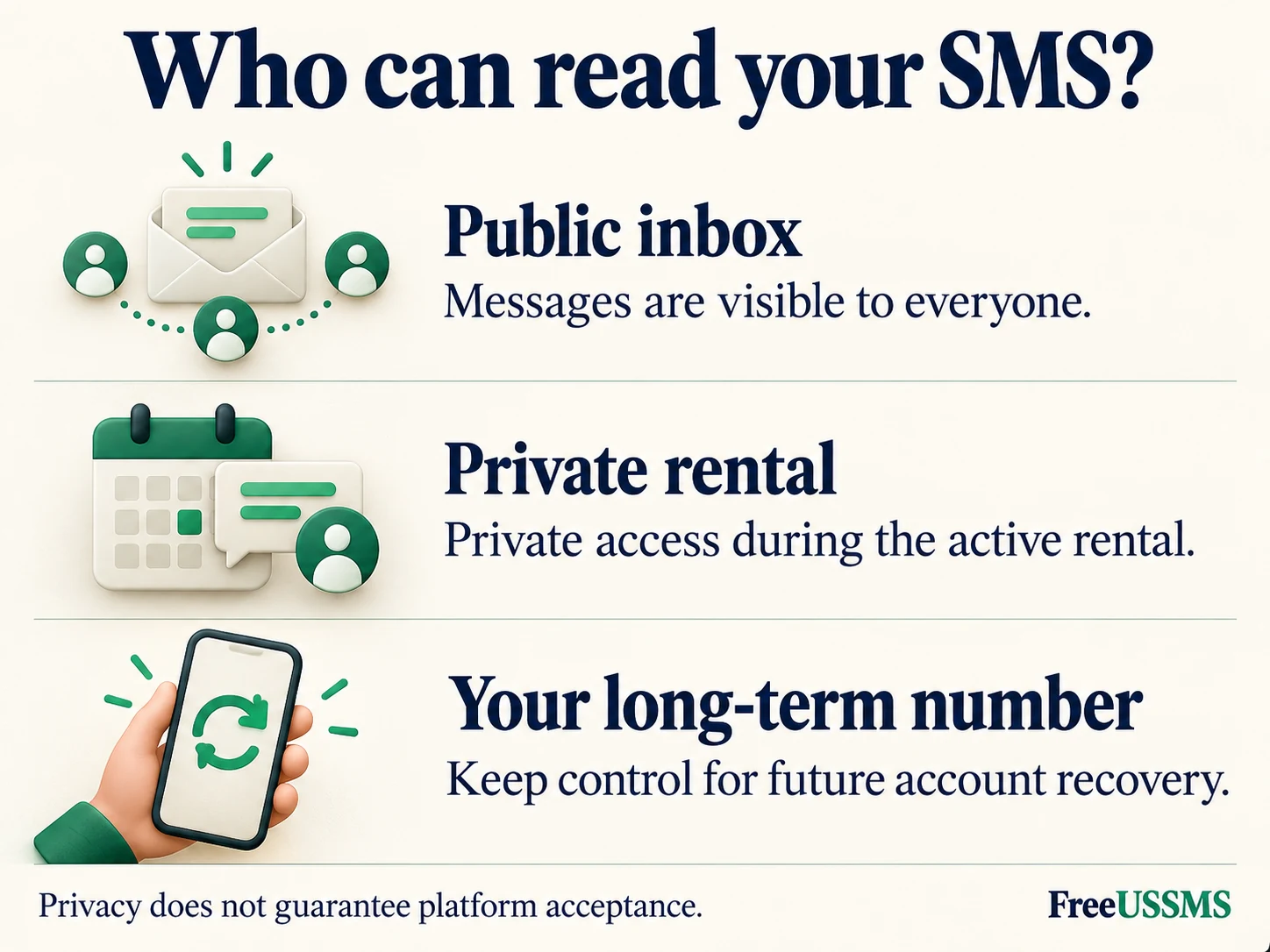
- Shared Public SIM Inboxes: Real physical US SIM cards whose incoming texts are displayed on a public webpage (like FreeUSSMS public numbers). While the underlying line is a physical SIM card, multiple visitors may attempt to register the same number on the same day.
Three reasons a +1 WhatsApp code fails to arrive
Not every missing verification text has the same cause. Separating pre-delivery rejection from cooldown timers prevents wasted attempts:
| What you see in WhatsApp | Most likely technical cause | What to do next |
|---|---|---|
| “Not a valid mobile number” immediately on submit | The number belongs to a VoIP, landline, or unsupported virtual range, or the +1 country code was duplicated. |
Switch to a true wireless SIM number and enter only the 10-digit national number after selecting United States (+1). |
| “You have tried to register this number recently — wait X hours” | Another person (or your own earlier tap) already triggered WhatsApp’s anti-abuse cooldown timer on that shared number. | Do not tap “Resend SMS” repeatedly. Either wait out the exact timer shown in the app or use an unused number. |
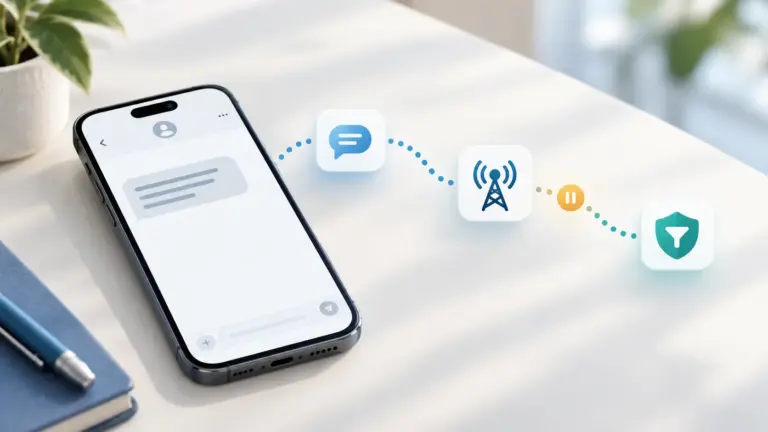
| Timer counts down normally, but no SMS appears in a public inbox | The sender routed the code via voice call, carrier spam filtering held the message, or the shared number is already bound to an active session. | Check recent activity on the inbox page and review our missing-SMS troubleshooting checklist. |
Check current activity on our US physical SIM lines
Before copying a public number, check whether the line is actively receiving texts today. The table below is generated from our public activity snapshot (retained public messages only, never a promise that WhatsApp will accept a shared number):
| Active US Region & Area Code | Rotating Line Pool (Masked) | 24h Retained Texts | 7d Retained Texts | Permanent Directory Entry |
|---|---|---|---|---|
| Pennsylvania · 272 | +1 (272) 2••-•••• · Online SIM |
29 | 65 (7/7 d) | Pick live +1 SIM → |
| Kentucky · 502 | +1 (502) 3••-•••• · Online SIM |
28 | 65 (7/7 d) | Pick live +1 SIM → |
| Virginia · 434 | +1 (434) 3••-•••• · Online SIM |
21 | 57 (5/7 d) | Pick live +1 SIM → |
| Ohio · 937 | +1 (937) 2••-•••• · Online SIM |
20 | 83 (6/7 d) | Pick live +1 SIM → |
Critical security warning: why you should not keep a WhatsApp account on a public inbox
Unlike a one-time coupon check, WhatsApp ties your account identity directly to the phone number. If you register WhatsApp using a free public inbox:
- Anyone can see the next registration code: Because public inboxes are readable by every visitor, the next person who enters that
+1number into WhatsApp can request a new SMS code and take over the WhatsApp session. - Two-step verification PINs do not prevent number reassignment: While WhatsApp’s two-step verification adds a 6-digit PIN, WhatsApp still allows a new owner of the phone number to reset the account after a waiting period if no email recovery is completed.
- Account recovery requires ongoing control: If you log out or switch phones later, a temporary public number may already be offline or rotated out of our catalog.
Choosing the right number type for your goal
- For disposable UI testing or checking how a flow behaves: Use a free line from /numbers/, or follow our Telegram SIM drop channel to get notified the moment brand-new US physical SIM cards go online before other visitors trigger cooldown timers.
- For private inbox isolation during a multi-day test: Use Private US Number Rentals to reserve a dedicated physical SIM inbox that only your account can view during the active rental window. See our shared public inbox vs. private SIM rental comparison.
- For your personal or business WhatsApp account: Always use a permanent mobile SIM or eSIM plan that you own long-term (see our US carrier eSIM, IMEI and EID guide).
Common questions about +1 WhatsApp SMS verification
How should I enter a US (+1) phone number in WhatsApp?
Select United States (+1) in the country drop-down, then type only the 10-digit number (area code + 7 digits, such as 2015550199) without a leading 1,0, or symbols. Read more in our US area code formatting guide.
Why does WhatsApp ask me to wait 1 to 24 hours before requesting another SMS?
WhatsApp rate-limits verification texts per phone number to prevent automated abuse. On a shared public number, previous visitors’ requests count toward that limit. A private rental controls who can read that inbox during the rental; it does not reset WhatsApp’s history or retry timer for the same number. Follow the countdown shown in WhatsApp before requesting another code.
Updated Nov 4, 2026