US Cellular Blocking Short Code SMS? Fix Guide
On this page
If you suspect US Cellular is blocking short code SMS, first separate a text you cannot send from a verification text you cannot receive. A failed message does not, by itself, prove a carrier-wide block. To text a 5-digit number, create a message in your phone’s SMS app, enter the business’s published short code as the recipient, and send its requested keyword without adding +1 or an area code. If sending fails, check whether that program accepts replies; if an incoming code is missing, check filtered messages and ask your current carrier about that sender.
This guide covers both missing short-code messages and how to text a 5-digit number on US Cellular. It is independent guidance from FreeUSSMS, not a carrier support notice. Official documentation was checked on October 22, 2026; we have not tested your particular line.
Go straight to your problem: text a 5-digit number, find a missing incoming code, or prepare a carrier-support request.
How to text a 5-digit number on US Cellular
A US short code is typically a five- or six-digit messaging number, as described by the CTIA Short Code Registry. It is the recipient or sender address, not the verification code inside a message.
- Find the code on the business’s official website or app. Check its enrollment terms, supported carriers and any charges before sending.
- Open your phone’s normal text-messaging app and create a new message.
- Enter the exact five digits in the recipient field. Do not turn the code into a ten-digit phone number by adding an area code or a
+1prefix. - Send only the keyword that program actually requests. Do not guess a subscription command, or text a verification code to an unrelated sender.
- Save the result. Note whether the app reports a sending error, or the message appears sent but receives no reply. Those are different problems.
Android: check sending permissions only when relevant
If Google Messages says “Can’t reply to this short code”, its documentation identifies possible causes including a sender that does not accept replies, restricted Premium SMS access, or an alphanumeric sender address.
For an actual Premium SMS permission warning, Google’s documented path is Settings → Apps → Special apps access → Premium SMS → the relevant app. Labels vary by device. Review the program and possible extra charges before allowing access.
This concerns outgoing messages; it is not a universal switch for receiving login codes. Follow the device-specific troubleshooting instructions, rather than changing unrelated settings.
US Cellular and T-Mobile: which support instructions apply?
T-Mobile completed its acquisition of UScellular’s wireless operations on August 1, 2025, and described a phased transition. Follow the account and support instructions on your latest bill or migration notice, rather than assuming an old UScellular settings guide matches your account. The official acquisition announcement explains the background.
An important distinction: T-Mobile’s general Message Blocking feature specifically excludes standard-rated short-code texts. Its support page also directs customers with missing security messages to Customer Care to investigate business-sender blocking. That is why simply toggling a generic block setting is not a diagnosis or a guaranteed fix. See T-Mobile’s Message Blocking guidance.
Quick diagnosis: what exactly is failing?
Use this comparison to decide what to investigate next. These are troubleshooting clues, not proof of where a message was lost.
| What you see | What to check next |
|---|---|
| Personal texts and business codes both fail | Check whether the line has working SMS service before focusing on one short code. |
| Only one business’s code is missing | Verify the business’s number, enrollment instructions and support channel. |
| The message exists, but no alert appeared | Inspect message filters and notification settings. |
| An error appears when you reply to a short code | Confirm that the sender accepts replies; then inspect any specific sending-permission warning. |
| Several expected business texts fail, but personal SMS works | Collect examples and ask your carrier to investigate the line and affected senders. |
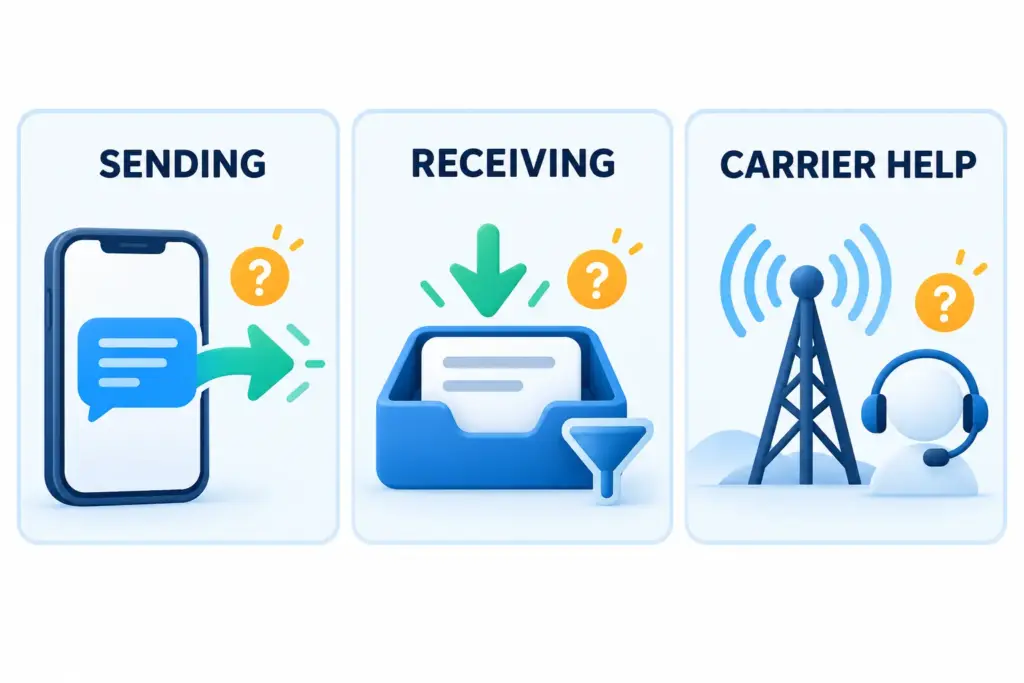
Missing incoming codes: check filters and the sender
On iPhone
Open Messages and look in the filter menu for Unknown Senders and other filtered categories available on your version. Finding the message there means it reached the phone, even if you did not notice an alert. Verify the sender before marking it known or adding it to Contacts. Menu names and filtering features vary by iOS version and region; use Apple’s message-filtering guide for your version.
In Google Messages
Open the profile or menu area and inspect Spam & blocked. If the expected legitimate sender is blocked, select that conversation and unblock it. Inspect the specific sender rather than turning off every spam safeguard. Google documents the steps in its blocking and unblocking guide.
At the business sending the message
Check that its account page shows the number you currently control. If you previously unsubscribed, follow that program’s published re-enrollment process. Do not assume sending START to any short code removes a carrier restriction.
Request one fresh code using the business’s stated retry interval. Keep its error message or request reference, if one is provided. If another authentication method is offered in the official app, use it rather than moving a sensitive account to a public number just to get past this screen.
What to ask the carrier when short codes still fail
Contact the support service shown on your current account. For customers using T-Mobile support, the official contact page points to help in T-Life. Avoid phone numbers copied from an unsolicited text or an unverified search advertisement.
A useful support message is:
Regular SMS works on my line, but I am missing messages from this business short code. Please check for a sender-specific or commercial-message block and whether this sender is supported. My last failed attempt was at [time and time zone], from [short code]. I have checked the filtered and blocked-message folders.
Have these details ready, without sharing the actual one-time password:
- The business name and exact short code.
- Whether the problem is sending, receiving, or both.
- Two recent attempt times with the time zone.
- Whether ordinary person-to-person SMS works.
- Your phone model, messaging app, and any recent SIM change, number transfer or account migration.
Ask for a case reference and the next troubleshooting step. If the carrier finds no line restriction, give the business that reference and ask it to investigate delivery to your number. A failed-code screen alone cannot identify the failing network hop.
Should you use another number instead?
For banking, password recovery or an account you need to keep, use a private number you control long-term and the service’s official recovery options. A public inbox is shared, so other people can read incoming messages.
FreeUSSMS offers free public US inboxes and a separate private US SMS number rental option. Neither repairs a restriction on your existing carrier line, and neither guarantees acceptance by a particular sender. Before choosing a different inbox for non-sensitive testing, read our public versus private number guide.
For broader background, see why US short-code SMS can fail to arrive. This article focuses on troubleshooting your UScellular-related account, not bypassing a service’s verification rules.
Frequently asked questions
Does US Cellular block all short-code SMS?
A missing message is not evidence of a blanket block. Check the affected sender, phone filters and current account support. The T-Mobile distinction above is especially relevant if your account now uses its services.
Is a 5-digit text number the same as a verification code?
No. The short code identifies the messaging address. The verification code is the temporary credential in the message body; do not send that credential to a random short code.
Will enabling Premium SMS fix incoming OTPs?
It is not a general incoming-code fix. Use that setting only when diagnosing the relevant Android sending-permission issue, with awareness of possible charges.
Can FreeUSSMS unblock my UScellular line?
No. Account changes belong with your current carrier. A separate public or rented number is a different service, not a carrier-unblocking tool.
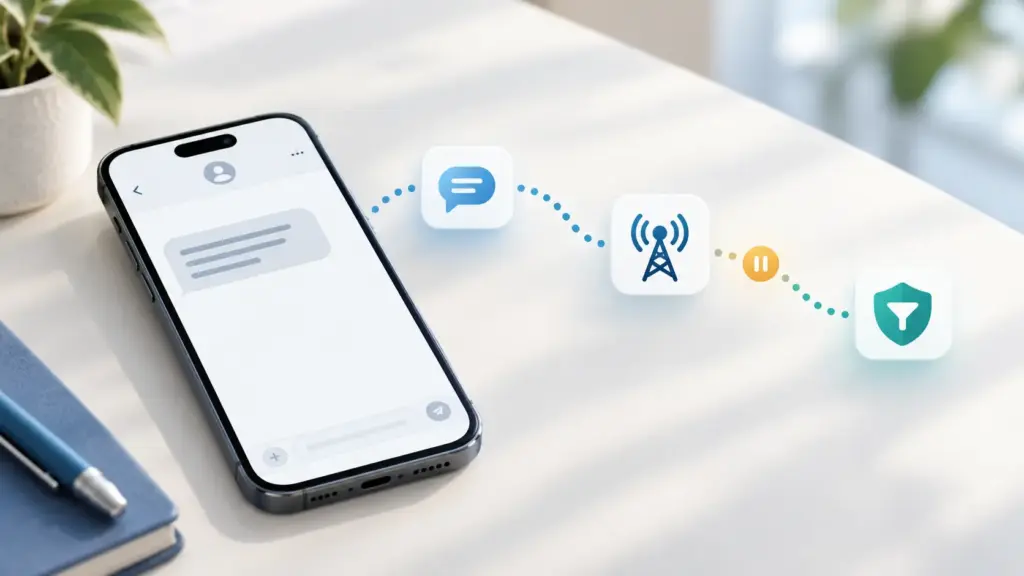
Editorial note: Prepared by the FreeUSSMS Team using the official carrier, device-support and registry sources linked above. The illustrations are AI-generated explanatory artwork, not screenshots of a carrier account or evidence of a tested repair.
Updated Nov 4, 2026